 VIPSolutions
give answer in 2 step with explanation at the end of each step and final answer at the end:Calculate the annual Internal Rate of Return (IRR) required on a cash flow of ten annual deposits of $ 10,000 starting in the beginning of the first year and resulting in a future value of $400, 000 at the end of year 20. Show the answer in an excel formula
Question:
give answer in 2 step with explanation at the end of each step and final answer at the end: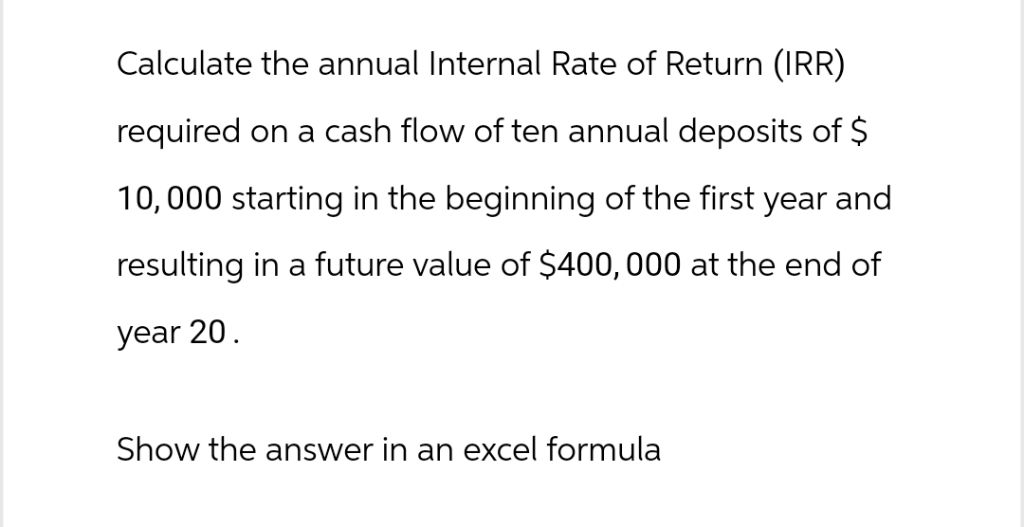 Calculate the annual Internal Rate of Return (IRR)
required on a cash flow of ten annual deposits of $
10,000 starting in the beginning of the first year and
resulting in a future value of $400, 000 at the end of
year 20.
Show the answer in an excel formula
Calculate the annual Internal Rate of Return (IRR)
required on a cash flow of ten annual deposits of $
10,000 starting in the beginning of the first year and
resulting in a future value of $400, 000 at the end of
year 20.
Show the answer in an excel formula
This is AI generated Response.
Asked by: Rahul
Created at: 2025-11-08 04:27:50
Asked by: Rahul
Created at: 2025-11-08 04:27:50
Final Answer:
Rendered
Raw Text
Did you like this answer?
## Step : Understand the Cash Flow StructureYou have:
- 10 annual deposits of $10,000 each (beginning of each year, years to 9)
- No deposits for years 10-19
- Future value at the end of year 20 is $400,000
**Explanation:**
The cash flow is: -$10,000 at year , -$10,000 at year 1, ..., -$10,000 at year 9, and $ for years 10–19, with a final $400,000 at year 20.
---
## Step 2: Setting up the IRR Calculation in Excel
**Cash Flow Array for Excel:**
- Year to 9: -10,000 each year
- Year 10 to 19: each year
- Year 20: +400,000
**Excel Formula:**
Assume your cash flows are in cells A1:A21 as follows:
- A1 to A10: -10000
- A11 to A20:
- A21: 400000
Excel IRR formula:
```excel
=IRR(A1:A21)
```
**Explanation:**
The IRR function in Excel calculates the internal rate of return for a series of cash flows. The order of values must match the actual timing of the cash flows, including zeros for years with no cash flow.
---
## **Final Answer**
**Excel Formula:**
`=IRR(A1:A21)`
This formula will give you the annual IRR required to turn the ten $10,000 annual deposits into $400,000 over 20 years.
Question:
Full answer
This is AI generated Response.
Asked by: Rahul
Created at: 2025-11-08 04:28:13
Asked by: Rahul
Created at: 2025-11-08 04:28:13
Final Answer:
Rendered
Raw Text
Did you like this answer?
# Calculation of Annual Internal Rate of Return (IRR)
## Step 1: Understand the Cash Flow Structure
You have the following cash flow situation:
- **10 annual deposits** of $10,000 each at the **beginning** of each year for the first 10 years (years 0 to 9).
- **No deposits** during years 10 to 19.
- A **future value** of $400,000 at the **end** of year 20.
**Explanation:**
The cash flow can be summarized as follows:
- Years 0 to 9: -$10,000 (outflow) each year.
- Years 10 to 19: $0 (no cash flow).
- Year 20: +$400,000 (inflow).
---
## Step 2: Setting up the IRR Calculation in Excel
**Cash Flow Array for Excel:**
- **Years 0 to 9**: -10,000 in each of the first 10 cells.
- **Years 10 to 19**: 0 in the next 10 cells.
- **Year 20**: +400,000 in the last cell.
### Example Cash Flow Layout in Excel:
- A1 to A10: `-10000`
- A11 to A20: `0`
- A21: `400000`
**Excel Formula:**
Use the following formula to calculate the IRR:
```excel
=IRR(A1:A21)
```
**Explanation:**
The `IRR` function in Excel computes the internal rate of return for the specified series of cash flows. Ensure that the cash flows are entered in the correct order, with any years that have no cash flow represented as zero.
---
## Final Answer
**Excel Formula:**
```excel
=IRR(A1:A21)
```
This formula will provide the annual IRR required to grow the ten $10,000 deposits into $400,000 over 20 years.
📢 Instructions:
- Ask anything relatd to above question only.
- For new Question goto :